How to see and remove location data (EXIF) from photos
2026-11-07
What hidden GPS coordinates and device details are in a photo, how to check and remove them before sharing, and what is not removed.
Hidden information inside a photo
A photo file stores information you cannot see on the picture itself. This is called EXIF data. The main items are the shooting location (GPS coordinates), the date and time, and the camera or phone model. If you post a photo without checking, someone can work out where it was taken.
When it is worth checking first
- You post a photo taken at home or at work on a blog or community.
- You list a product on a second-hand marketplace with photos taken at your address.
- You share a photo of a child in a school or group chat.
- You send a family photo where the location would be a problem to reveal.
The steps
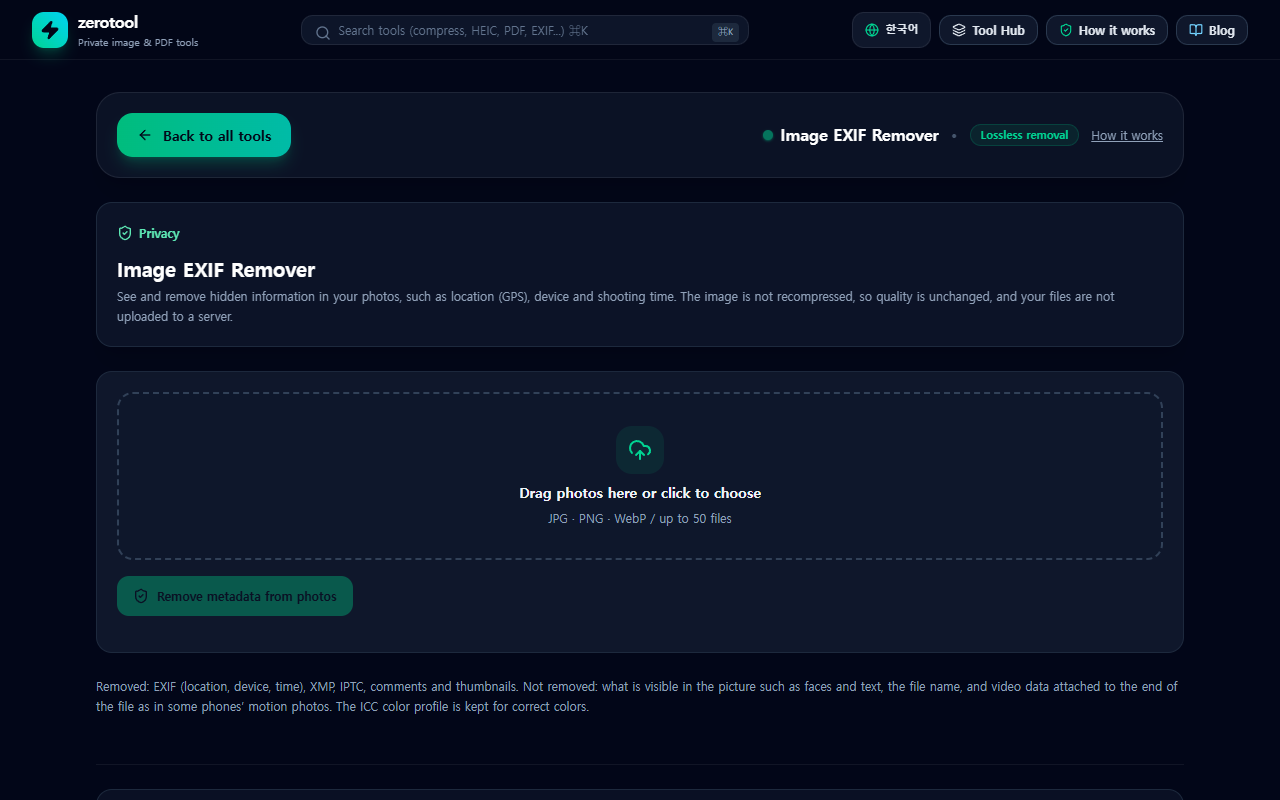
1. Add the photo to the EXIF remover. The file is read only on your own device.
2. Review what the tool found. If there is a location, it shows the coordinates, and it also shows the device that took the photo.
3. Download the cleaned copy. The original stays on your device.
4. Share the cleaned copy. You can process several photos in one go.
What is removed and what stays
The tool removes hidden data such as EXIF, XMP and IPTC, along with comments and the embedded thumbnail. It does not recompress the image, so the picture quality is unchanged.
The content of the picture itself is not removed. Faces, signs, number plates and text visible in the image all remain. A file name that contains a place or a name also stays. Look at the photo once more before you publish it.
Other things to check
- File name: rename a file that reveals a place, such as a name that includes your street or cafe.
- Background: look for addresses on post, or views that identify your home.
- Screenshots: a screenshot of a map app shows the location directly. This tool cannot remove what is visible in the picture.
What about messengers and social networks?
Some services strip location data when you upload, but their behaviour changes over time. Sending a file as it is, or sharing a download link, can keep the data. The safest way is to remove the information yourself before you share.