How to calculate 10% VAT both ways
2026-11-06
Two VAT formulas, adding VAT to a supply price and splitting it out of a VAT-inclusive total, with worked examples and common mistakes.
Why VAT matters
VAT (value added tax) is charged at each stage of a sale. A VAT-registered seller shows the supply price, which is the amount before tax, and the VAT separately on its invoice. Knowing how the two numbers relate lets you check a quote, understand an invoice, or see whether a displayed price already includes tax.
The standard VAT rate in Korea is 10%. Two formulas cover most situations.
Method 1: start from the supply price
The supply price is the amount before VAT. The formulas are:
- VAT = supply price × 0.1
- Total = supply price × 1.1
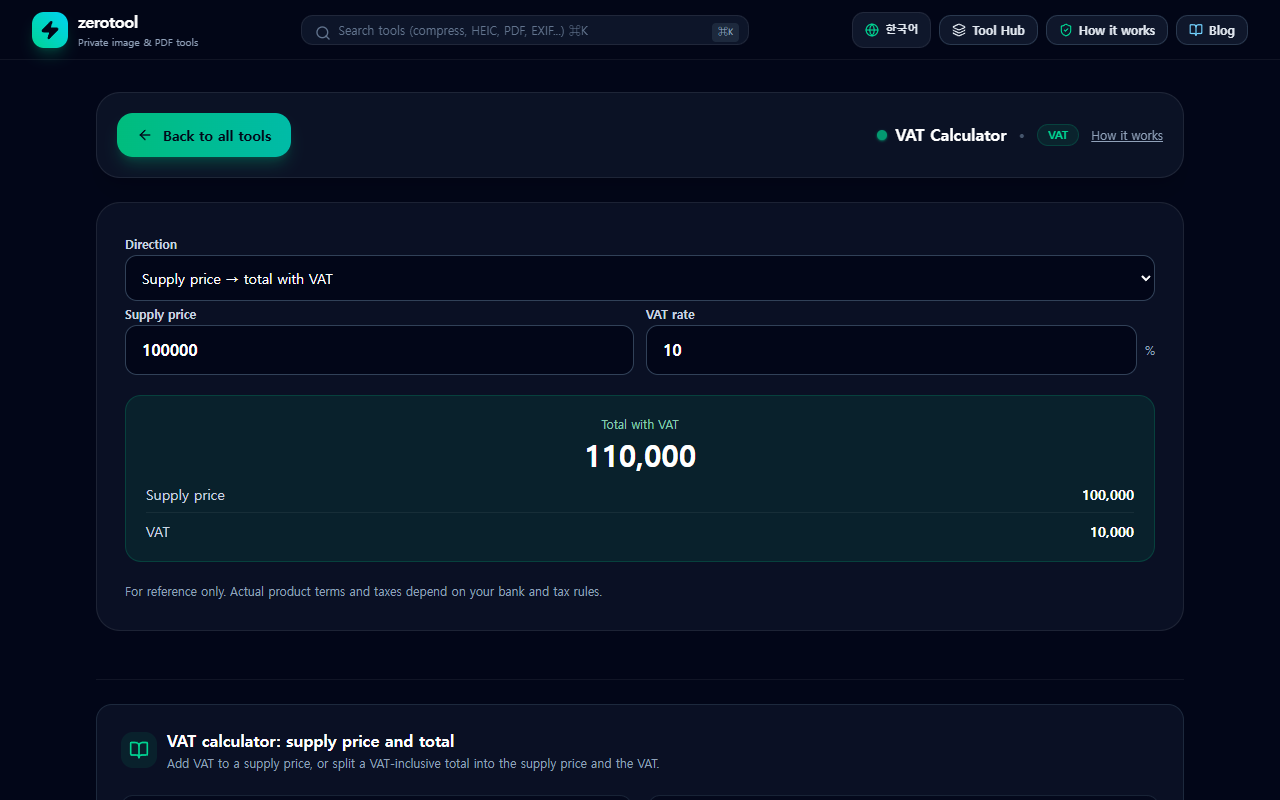
For a supply price of 100,000 won, VAT is 10,000 and the total is 110,000 won. Another example: a supply price of 45,300 won gives VAT of 4,530 won and a total of 49,830 won.
Method 2: start from a total that includes VAT
If you only have a total that already includes VAT, divide it by 1.1 to get the supply price. The VAT is the total minus the supply price.
- Supply price = total ÷ 1.1
- VAT = total − supply price
A total of 55,000 won gives a supply price of 50,000 won and VAT of 5,000 won. A total of 33,000 won gives a supply price of 30,000 won and VAT of 3,000 won.
A common mistake: do not take 10% of the total
Many people assume that the VAT is 10% of a VAT-inclusive total. For a total of 110,000 won, 10% is 11,000 won, but the actual VAT is 10,000 won. Ten percent of the total is not the same as ten percent of the supply price. Dividing by 1.1 removes the VAT from the total correctly.
Rounding and exceptions
- VAT is usually rounded to the whole won. How fractions are handled depends on the rules the issuer follows.
- Tax-exempt goods and services carry no VAT. Zero-rated sales are taxable at 0%. Simplified taxpayers follow a different calculation.
- For complex transactions or exact filings, check with a tax professional or the National Tax Service. This tool helps with the basic arithmetic.
A checklist before you calculate
1. Confirm whether the number you have already includes VAT.
2. Pick the method that matches the number you have: from the supply price or from the total.
3. Round the way the invoice rounds.
4. Check whether an exemption or zero rate applies.
Using the VAT calculator
Choose the direction, enter the amount and the rate, and the supply price, VAT and total appear together. The default rate is 10%, and you can change it for other rates. If your result does not match an invoice, check the rounding rule and whether the transaction is taxable first.