How to create a favicon and app icons from one image
2026-11-07
How to create favicon.ico, PNG icons, a web manifest and the HTML tags in one step, and how to add them to a website.
Why a favicon matters
A favicon is the small icon you see in a browser tab and in bookmarks. It helps people recognise your site at a glance, and it appears in some search results and lists. When someone adds your site to a phone home screen, a larger icon is needed as well.
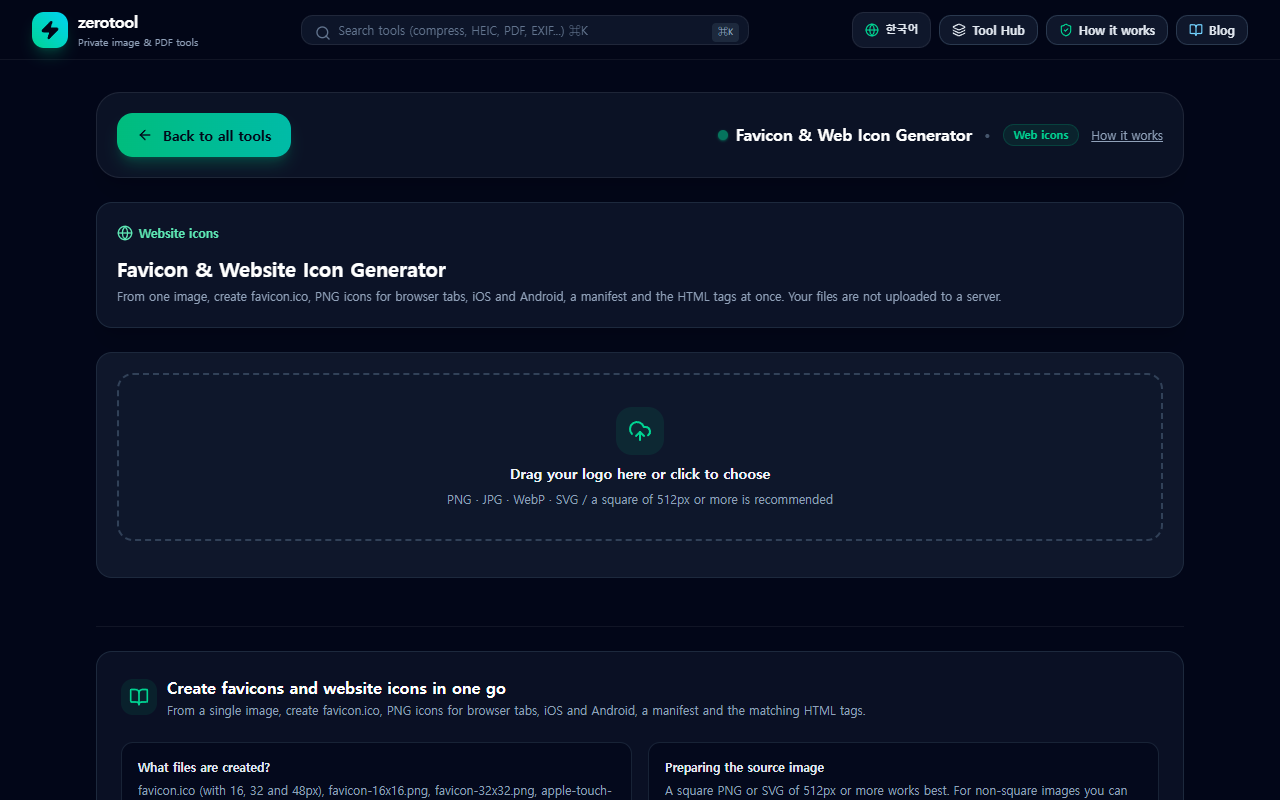
What image to start with
A square image works best. It should be at least 512 pixels on each side, so it stays sharp when reduced. A simple logo or symbol is easier to recognise at 16 pixels than a line of text. You can upload SVG, PNG, JPG or WebP.
What the tool produces
- favicon.ico: the classic icon used by older browsers and general tabs. It holds several sizes in one file.
- favicon-16x16.png and favicon-32x32.png: PNG icons for browser tabs.
- apple-touch-icon.png (180 by 180): the icon used when someone adds the site to an iPhone home screen.
- android-chrome-192x192.png and android-chrome-512x512.png: icons for Android devices and installable web apps.
- site.webmanifest: a file with the app name and icon details.
- head-tags.html: the HTML tags to place in the head section of your pages.
You can download all of these together as one ZIP file.
Adding the icons to your website
1. Upload the files from the ZIP to the root folder of your website, the folder that the site address points to.
2. Copy the tags from head-tags.html into the head section of every page.
3. Check the browser tab. If the old icon stays, do a hard refresh.
4. On an iPhone, add the site to the home screen and check how the icon looks.
Common mistakes
- Uploading the files but forgetting the tags, so the icon never changes.
- Leaving large empty margins around the logo, which makes it look small. Fill the frame instead.
- Using a transparent logo that disappears on a dark tab. Consider adding a solid background.
- Browsers cache icons for a long time, so wait a little before deciding it failed.