Convert PNG, JPG and WebP Without Uploading
2026-11-07
When to use PNG, JPG, WebP or AVIF, why a transparent background turns white in JPG, and how to convert many files at once in your browser.
Each format is good at something different
JPG suits photographs. It drops detail that is hard to notice to keep files small, and almost every device and website can open it. In return, each save loses a little more quality, and it cannot hold transparent areas.
PNG saves without loss and can hold a transparent background, so it suits logos, icons and screenshots. Converting a photo to PNG keeps the quality but often makes the file much larger.
WebP is often smaller than JPG or PNG at similar quality, which is why it is used for images on websites. AVIF is newer and only some browsers can open it, so the converters offer it only for turning AVIF into JPG.
Why a transparent background turns white
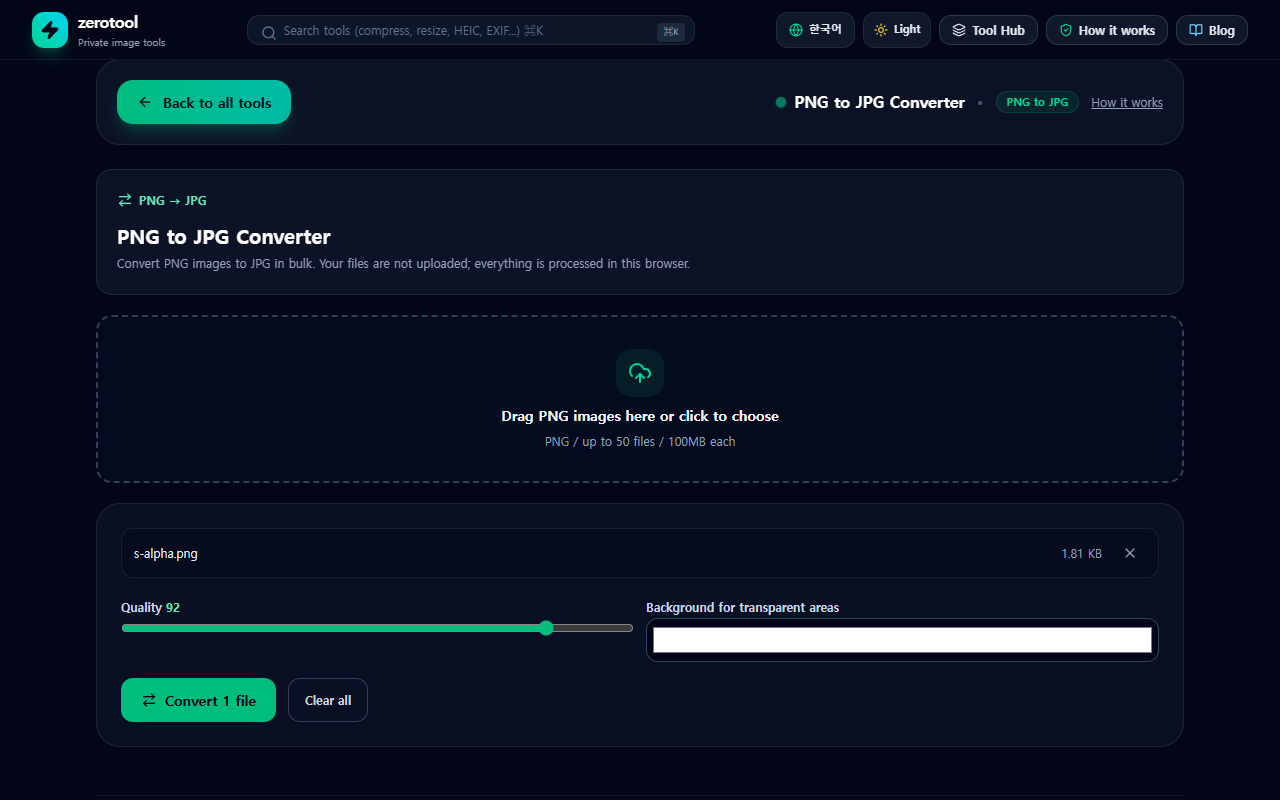
When you convert a PNG or WebP to JPG, the transparent areas disappear because JPG cannot hold transparency. The converter fills them with a color you choose, white by default. If the logo is going onto a dark background, set the fill color before converting. If you need to keep transparency, save as PNG or WebP instead of JPG.
Converting step by step
1. Open the converter you need, for example the PNG to JPG converter to turn PNG files into JPG.
2. Drag files in or click to choose them. It handles up to 50 files at a time, 100MB each.
3. For JPG or WebP, pick a quality from 50 to 100. Lower gives a smaller file and higher keeps more detail. PNG is lossless, so it has no quality setting.
4. Press Convert. Each file shows its size before and after.
5. With two or more results you can download one ZIP. Each saved name is the original with only the extension changed.
Phone photo orientation and location data
During conversion the shooting direction of a phone photo is applied, so the picture is not saved lying on its side. The converted file also does not carry the original EXIF data, which includes the device details and the shooting location. Your original file stays as it is, so share the converted copy.
Which one to pick
- When sending photos to someone or uploading to a form, JPG is the safest choice.
- Logos and icons that need a transparent background should be saved as PNG.
- For website images, WebP can help reduce size, but check the result yourself.
- If a file will not open, it may be a newer format such as AVIF or HEIC. Use the HEIC converter for iPhone HEIC photos.
Every conversion happens in this browser, and the files are not sent anywhere.