Passport Photo Size in mm and Pixels, Plus a Print Sheet
2026-11-07
How many pixels a 35×45mm photo is, what 300 dpi means, how to fit several copies on a 4×6 inch sheet, and what you still have to check yourself.
Turning a size in mm into pixels
Photo sizes are usually given in millimeters, but a photo file is made of pixels. Resolution (dpi) is what links them. One inch is 25.4mm, so at 300 dpi one millimeter is about 11.8 pixels. That is why a 35×45mm passport or visa photo is saved as 413×531 pixels.
The ID photo maker does this calculation for you. Choose passport or visa 35×45mm, ID 3×4cm, US 2×2 inch or China visa 33×48mm, or type your own width and height in millimeters. Resolution defaults to 300 dpi.
How to use it
1. Add a photo.
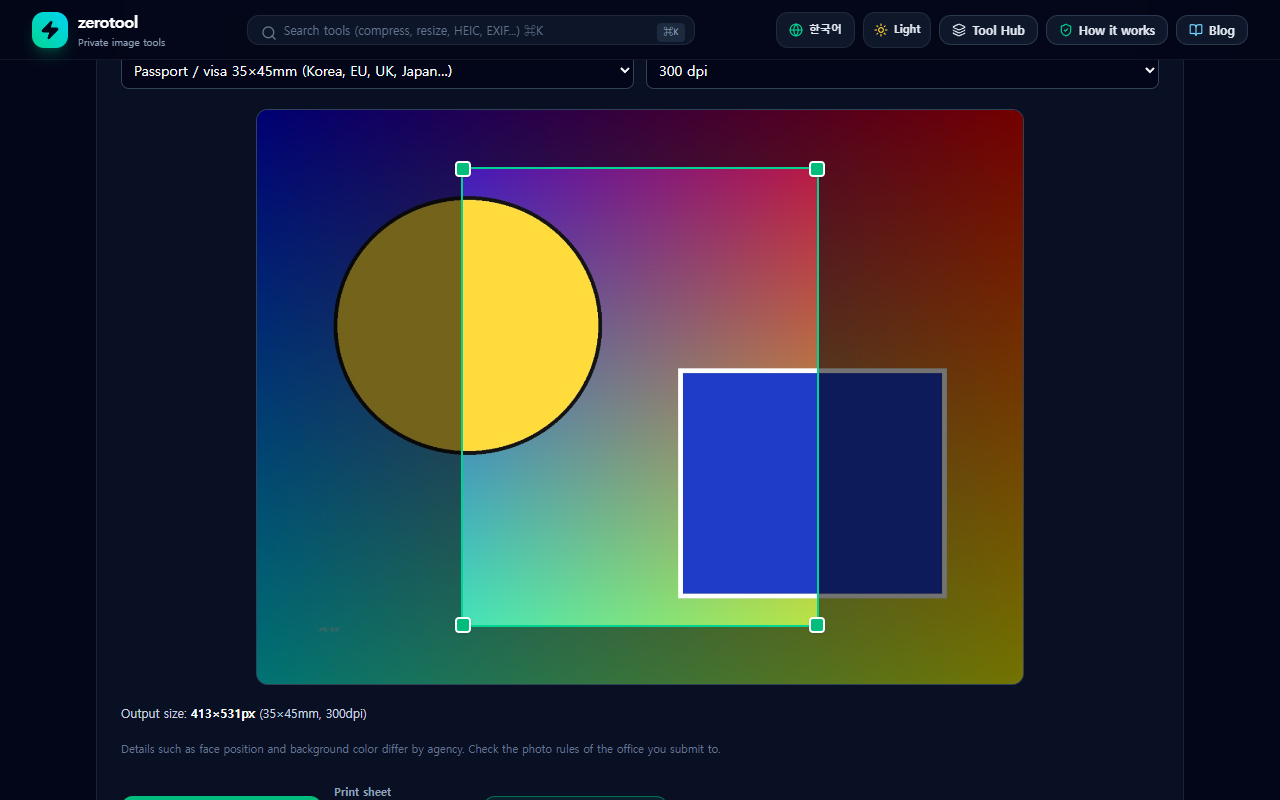
2. Choose a size or type it in millimeters. The crop area is locked to the ratio of that size, so you can drag it to move it or drag a corner to resize it.
3. Adjust the area so the face has a suitable size and position.
4. Save a single photo, or save a print sheet.
Several copies on one sheet
Choose a 4×6 inch, 5×7 inch or A4 sheet and the same photo is placed as many times as will fit, saved as one JPG. A 2mm gap and a 3mm margin make the copies easy to cut apart. In our own check a 35×45mm photo fit eight times on a 4×6 inch sheet. Print that file as it is at a photo shop or a store kiosk.
The saved JPG records the resolution (DPI), which makes printing at the right size easier, and transparent areas are filled with white.
What you still have to check
This tool only crops to the size. Rules such as face size and position, background color, expression and glasses differ by agency, and the tool does not check them. Confirm the rules of the office you submit to. It also has no feature to change the background color or retouch the photo.
The file is not uploaded; it is processed only inside this browser.